Members and roles
Invite people, give them roles, and decide what each role may do.
Members
Members in the sidebar lists everyone in the workspace: their role, the projects they are in, when they joined and when they were last seen. Click a person to see the issues assigned to them and the ones they created.
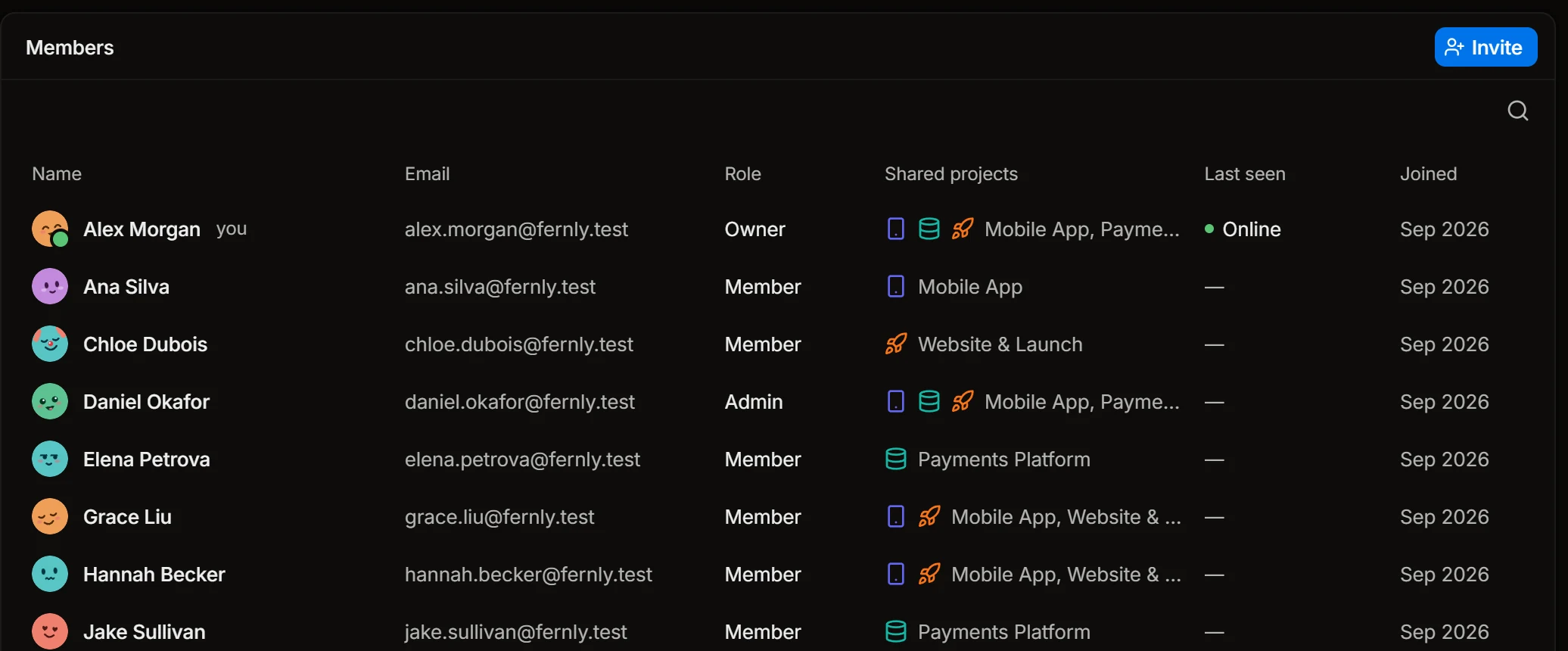
Invite people
Press Invite, enter an email and send. The person gets a link, signs up and lands in the workspace with the default role. Until then they are listed as Invited, and Resend invite sends the link again.
Every plan has unlimited members.
Add people to projects
A member sees a project once they are added to it: open the project’s settings, then Members, and press Add member. Roles that may view all projects see every project without being added.
Take access away
In Settings › Members, Ban user closes the workspace to a person at once. Unban user lets them in again.
Roles
A role is a set of permissions. A workspace starts with four:
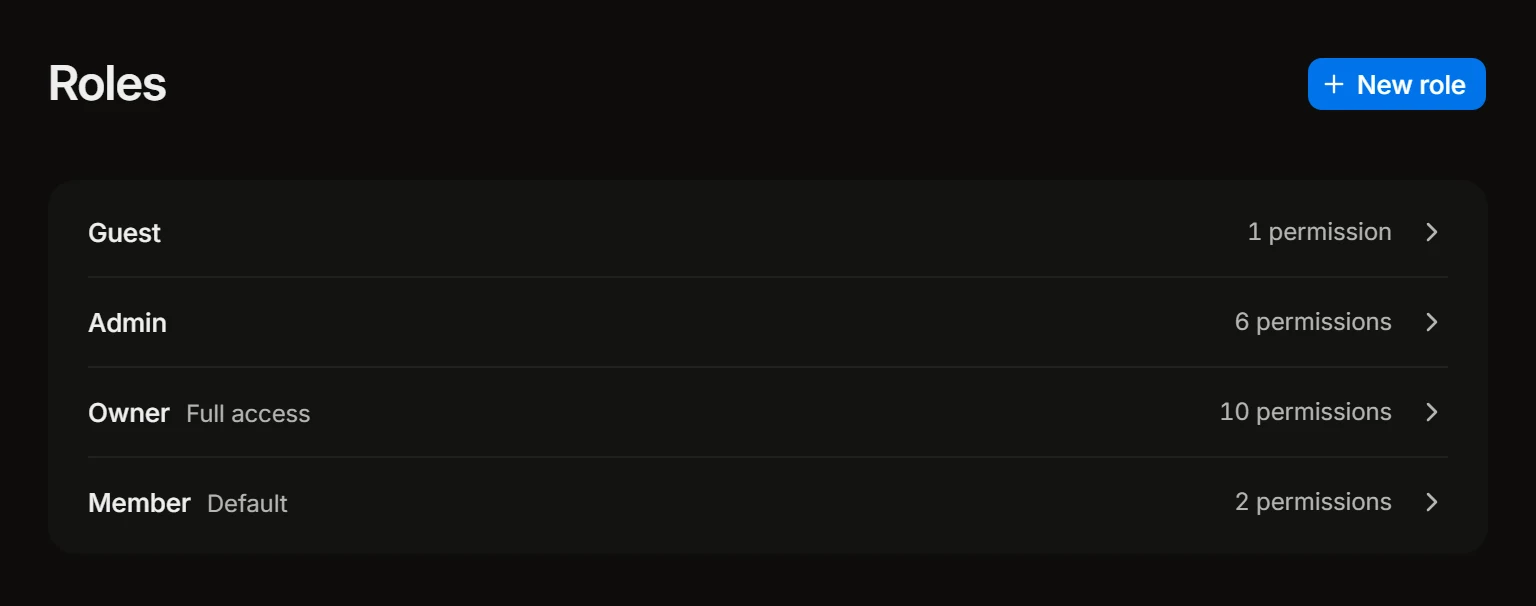
- Owner always has every permission.
- Admin has most of them.
- Member is the default role that an invited person gets.
- Guest is for someone from outside, such as a client’s manager who follows one project.
Open a role in Settings › Roles to see exactly what it may do.
Permissions
| Permission | What it allows |
|---|---|
| View all projects | See every project, not only the ones the person is a member of |
| Edit projects | Change a project’s settings, statuses and repositories |
| Delete projects | Delete a project with everything in it |
| Add members to projects | Add people to a project and remove them |
| Edit issues | Create and change issues |
| Delete issues | Delete issues |
| View time tracking stats | See the hours other people logged |
| Manage users | Invite people, change their roles, ban and unban them |
| Manage roles | Create roles and change their permissions |
| Workspace settings | Change the workspace’s name, working hours, integrations and plan |
Your own roles
On the Business plan you can change what each role may do and create roles of your own with New role: a contractor who edits issues but sees no time, a manager who sees time but can’t delete anything.
What agents may do
AI tools and coding agents never get more than the person they act for. Whether they may connect to the workspace at all is a separate switch for admins: see MCP and API keys.