GitHub and GitLab
Connect a code host to the workspace, then repositories to projects.
Connecting code takes two steps: a workspace admin connects the code host once, then each project gets its repositories.
Connect GitHub
In Settings › Integrations, connect GitHub. GitHub asks you to install Volt’s app on an organization or on your personal account and to choose the repositories it may see.
If you aren’t an owner of the organization, GitHub sends the request to an owner, and the organization connects once they install the app.
Connect GitLab
Volt works with gitlab.com and with a self-managed GitLab that Volt can reach over the internet.
In Settings › Integrations, press Connect GitLab and enter:
- the server, for a self-managed GitLab;
- an access token: a group token or a bot’s personal token with the
apiscope and the Maintainer role, made for Volt only; - the group whose projects Volt should see.
Use a bot’s token, so the connection doesn’t depend on one person’s account. Volt adds its webhooks to the group’s projects within a few minutes, and renews a token that is about to expire.
Add repositories to a project
In the project’s settings, open Repositories and press Add repository. Choose the base branch that new branches start from, and which repository is the default when the project has several.
Pull requests from these repositories then show on the project’s issues: see Code review. On the same page you choose how a pull request moves its issue’s status: see Statuses from pull requests.
Personal accounts
Each person connects their own GitHub or GitLab account in Settings › Connected accounts, to review and merge under their own name. For a self-managed GitLab an admin first lets people do so in Settings › Integrations.
Branch names
Copy git branch name on an issue gives a branch name that links the branch to the issue. Settings › Integrations sets what it is made of:
- Your name, key and title
- Key and title
- Key only
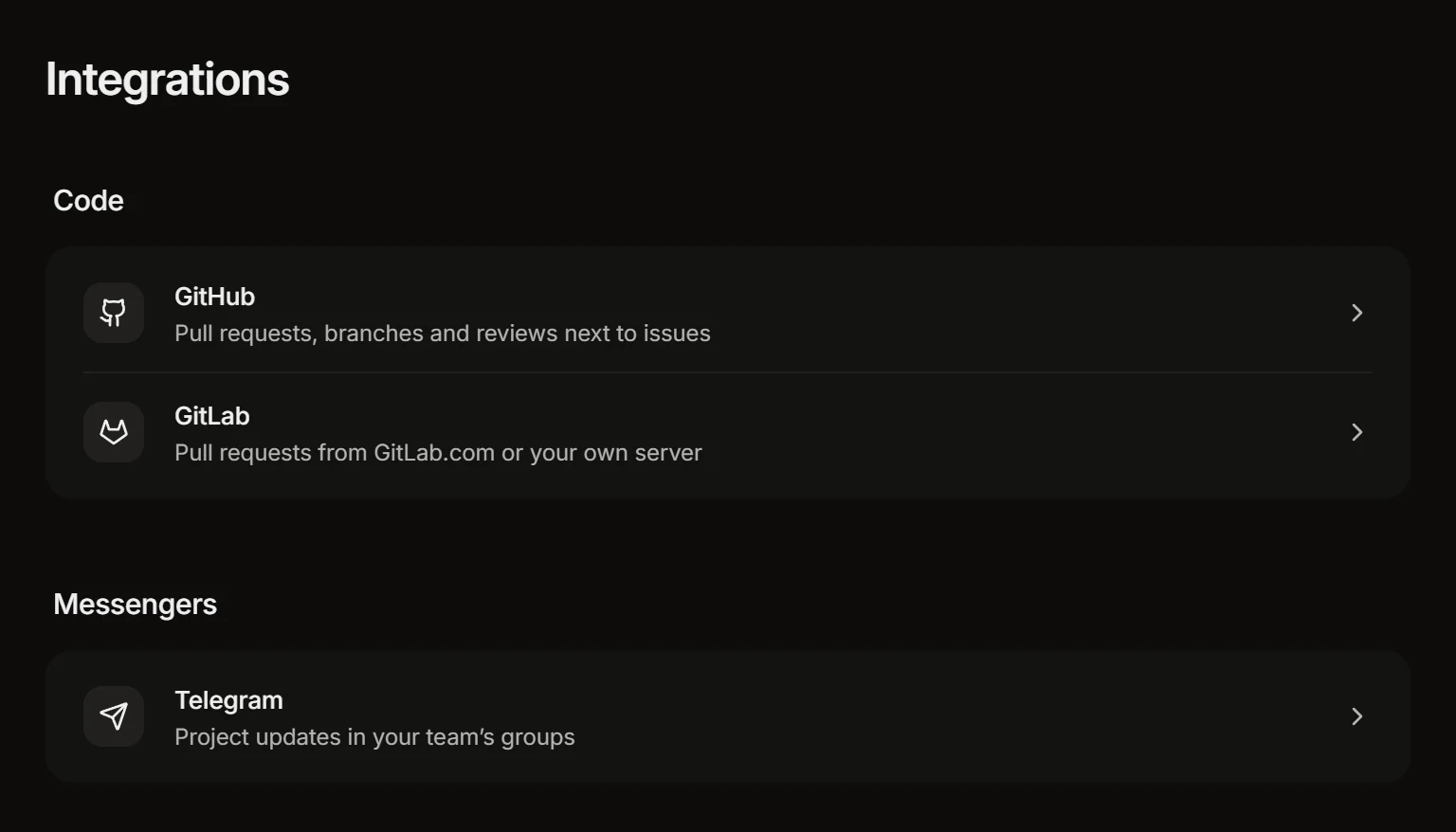
The page of integrations
If Volt loses access
When a token expires, an app is uninstalled or a repository is taken out of the app’s reach, the connection is marked Needs attention and says what to fix. Pull requests that are already in Volt stay; they stop updating until the connection works again.
Disconnect removes a code host from the workspace: repositories no project uses are removed, the rest stop updating.