Your account
Your profile, language, theme, start page and how you sign in.
Your own settings are under Account in Settings. Open them from the menu on the workspace’s name, or with the command menu (Ctrl+K).
Profile
Your first and last name and your picture. Upload a photo or pick one of the faces Volt draws.
Preferences
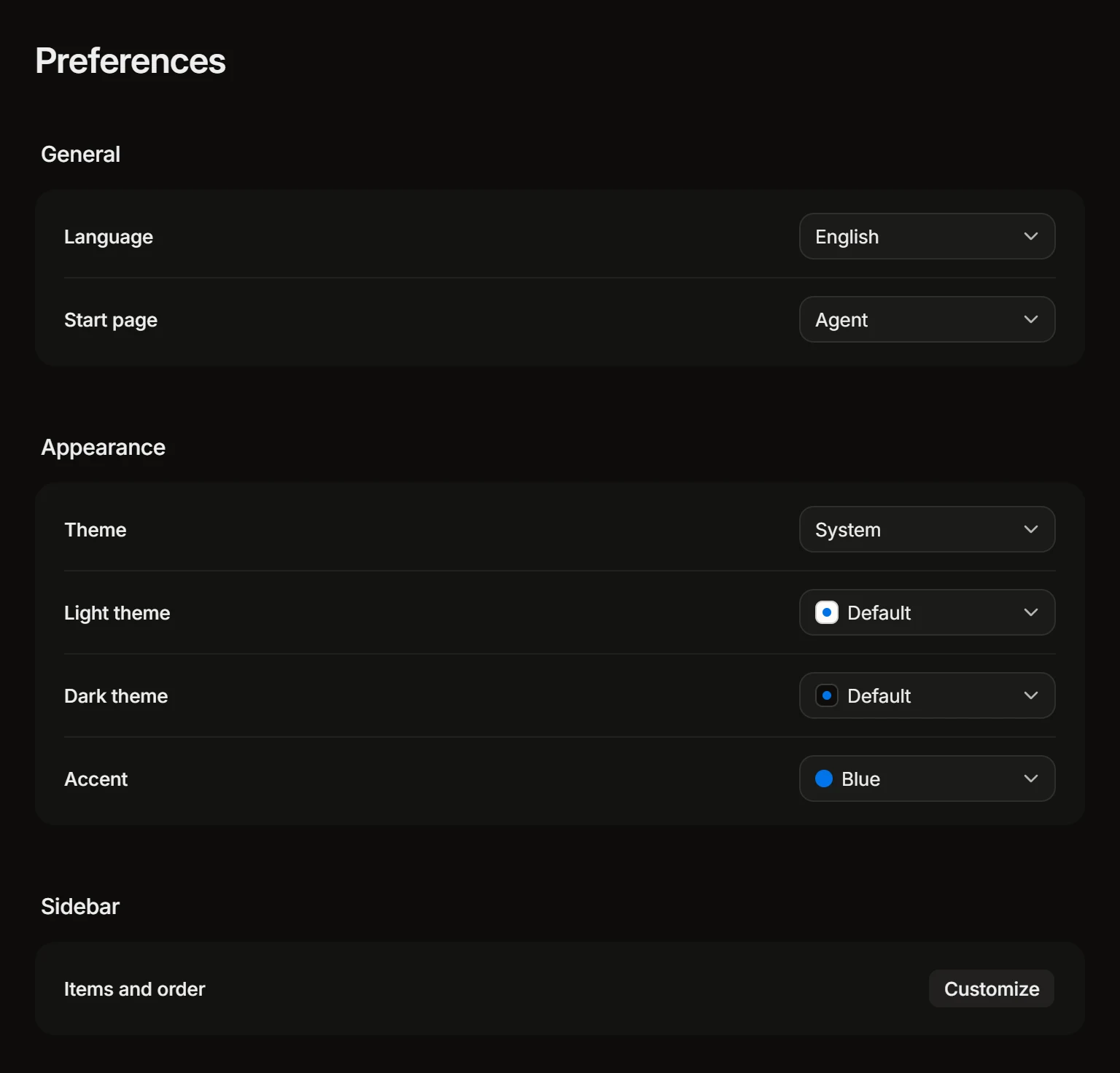
- Language. English or Russian. It changes the app for you only.
- Start page. What Volt opens on: Agent, Inbox, My issues, or where you left off.
- Theme. Follow the system, or always light or dark. Each has its own looks: Default and Paper for light, Default, Midnight, Dimmed and Black for dark.
- Accent. The color of buttons and marks: Blue, Indigo, Volt or Orange.
- Sidebar. Customize chooses which items it shows, in what order, and whether each shows a count, a dot or nothing when there is something new.
Notifications
What you are told about, and whether by push, email or Telegram: see Inbox and notifications.
Security
How you sign in. Change your password here, or set one if you signed up with Google: Volt sends a link to your email. A connected Google account can be disconnected here too.
Connected accounts
- GitHub and GitLab, to review and merge from Volt as yourself: see Code review.
- Telegram, to get your notifications from Volt’s bot: see Telegram.
Volt AI
Your guidance for Volt AI, your skills and what it remembers about you: see Volt AI.
MCP and API keys, Runners
The AI tools that work in Volt as you, and the computers your coding sessions run on: see MCP and API keys and Coding sessions.
Several workspaces
One account can be in several workspaces. Switch between them, or create a new one, from the menu on the workspace’s name.